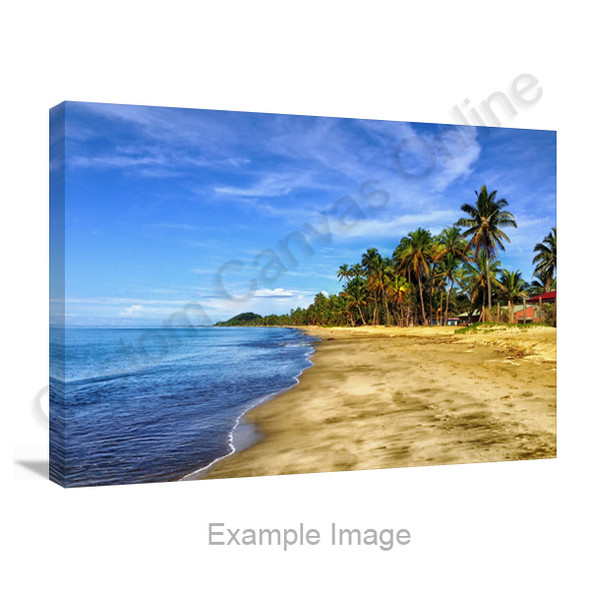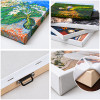

Description
Custom Rectangle Canvas Prints, Made Around Your Photo
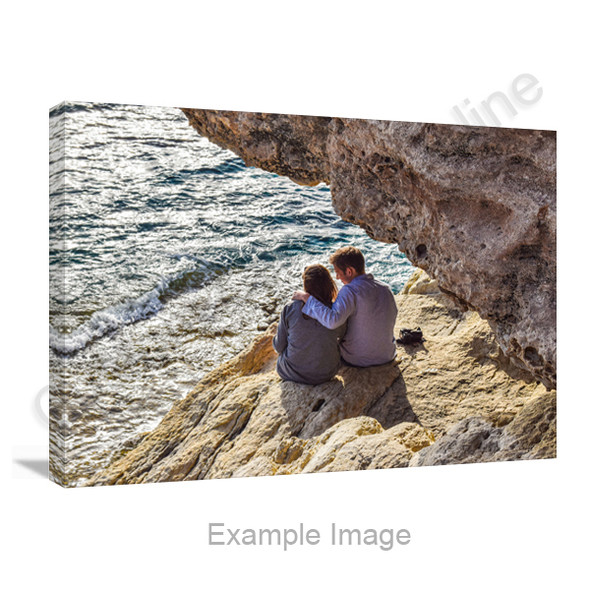
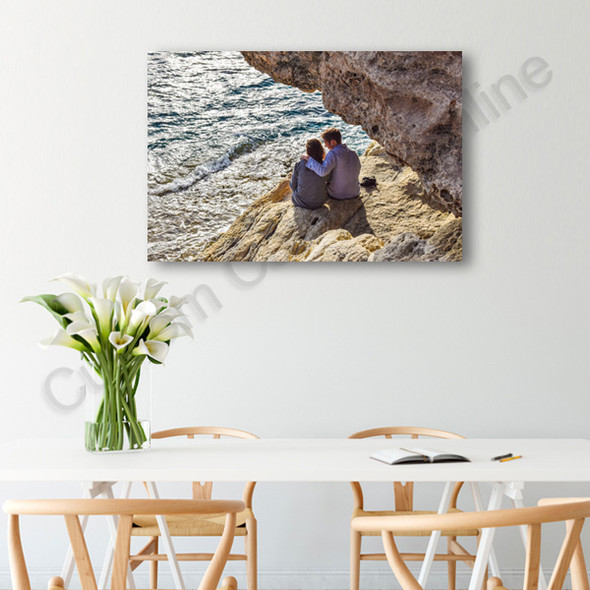
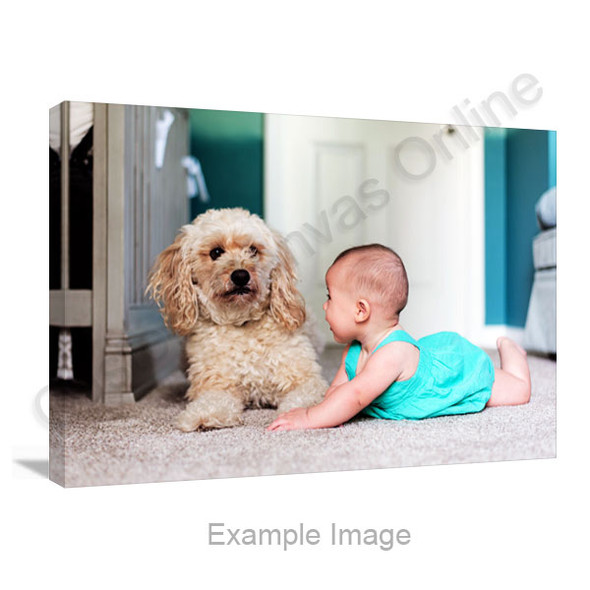
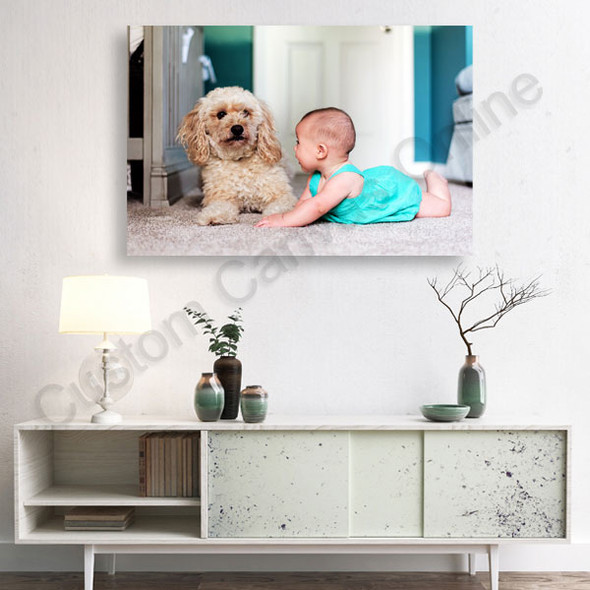
Turn a favorite family photo, wedding portrait or landscape into a rectangle canvas print for your wall. Choose a portrait or landscape layout, select your size and canvas wrap, and review your composition in the online designer before ordering.
Start with your photo's proportions: a rectangle is a shape, but different rectangular sizes can still crop the same image differently. The guide below helps you keep the details that matter.
Prices are in USD. Standard U.S. shipping is $9.95 per order; orders over $99 qualify for free delivery. See your selected product price and checkout total before paying.
Which Rectangle Canvas Size Fits Your Photo?
Match the ratio of your photo's short side to its long side, then choose a size for your wall. Rotate the same proportions for horizontal or vertical display. A close ratio match reduces cropping on the front; your wrap choice also affects what appears on the sides.
4:5 · A fuller rectangle
A useful shape for tighter portraits and subjects with less surrounding scenery. Example: nominal 16 × 20 in.
3:4 · A balanced rectangle
Often suits photos captured in a 4:3 camera mode. Example: nominal 12 × 16 in.
2:3 · A longer rectangle
Often suits 3:2 camera photos and compositions with more space around the subject. Example: nominal 20 × 30 in.
Shape illustrations show landscape proportions only, with the same short-side height. They do not represent relative print sizes.
| Nominal size (approx. inches) | Production size (centimeters) | Short side : long side | A matching photo example |
|---|---|---|---|
| 8 × 12 in | 20 × 30 cm | 2:3 | 3000 × 4500 pixels |
| 12 × 16 in | 30 × 40 cm | 3:4 | 3000 × 4000 pixels |
| 12 × 18 in | 30 × 45 cm | 2:3 | 3000 × 4500 pixels |
| 16 × 20 in | 40 × 50 cm | 4:5 | 3000 × 3750 pixels |
| 16 × 24 in | 40 × 60 cm | 2:3 | 3000 × 4500 pixels |
| 20 × 30 in | 50 × 75 cm | 2:3 | 3000 × 4500 pixels |
| 24 × 36 in | 60 × 90 cm | 2:3 | 3000 × 4500 pixels |
| 30 × 40 in | 75 × 100 cm | 3:4 | 3000 × 4000 pixels |
Check the actual measurements. Inch labels are rounded equivalents; the centimeter measurements above are the production sizes. For example, 40 × 50 cm is approximately 15.75 × 19.69 in. Check this carefully when matching an existing frame or a measured space.
The pixel examples demonstrate proportions, not a minimum file requirement or a promise of sharpness at every size. For current pricing and more sizes, see our canvas print price guide.
Portrait or Landscape?
Choose landscape for a wide group, a travel scene or a horizontal composition. Choose portrait for a full-length photo, a tall subject or a narrow wall. Match the image first: turning a horizontal photo into a vertical canvas can remove a substantial part of the scene.
Measure Your Wall First
Mark the intended canvas outline with removable paper or tape, then view it from your normal seating position. Check the space around furniture, switches and nearby art. For several prints, include the gaps between them in your measurements.
Choose How Your Canvas Edges Are Finished
A stretched canvas has a front face and visible sides. Choose from four wrap options to suit both your photo and the way you want the finished piece to look.
Gallery Wrap
The image continues around the canvas sides for a continuous look. Part of the picture appears on the edges, so keep faces, lettering and important objects comfortably inside the front area.
Mirror Wrap
The image edges are reflected onto the sides to preserve more of the front composition. Check the preview around lines, faces or objects near the edges, where a reflected pattern may be noticeable.
Color Wrap
A solid color finishes the sides. This can be useful when you want a simple edge treatment without continuing the photo around the frame. Review the selected color with your image.
Stretch Wrap
The outer edges of your image are stretched outward to cover the canvas sides. This can help retain the front composition, but details on the sides may look elongated. Review the edge preview, especially around faces, text and straight lines.
Wrap and crop solve different problems. Mirror, stretch or color wrap can help protect the front image from being used on the sides. They do not automatically make a photo fit a different rectangular ratio. Review both the front crop and the edges before saving.
What You Receive
Your image is printed on canvas, stretched over a wooden support frame and supplied as a finished, ready-to-hang canvas. The wrapped sides give the piece its depth without requiring a decorative outer frame.
Will Your Photo Look Clear on Canvas?
Use the original, highest-quality photo you have. A small image can look clear on a phone but become soft when enlarged. Screenshots and images downloaded from social media often contain fewer pixels or more compression than the original file.
- Check focus: inspect faces, eyes and any text at full image size. Printing larger makes existing blur more noticeable.
- Check the crop: leave room around heads, hands, pet ears and lettering. A ratio change can remove more detail than expected.
- Check the pixel dimensions: around 300 pixels per inch at the finished size is a useful high-detail target. Larger canvases viewed from farther away may work with fewer pixels; the file and subject still matter.
- Check the preview: use it to review composition and text. An online preview is not a guarantee of printed sharpness or an exact screen-to-print color match.
Changing a file's resolution label to “300 DPI” does not add missing image detail. If you are unsure, ask us to review your image with your preferred production size before ordering. For large files or artwork that will not upload, contact us for a suitable file-sharing method.
Create Your Rectangle Photo Canvas in Three Steps
Choose Your Options
Select the size, orientation and wrap in the product options above. Check the displayed price for your chosen configuration.
Upload & Review
Click Upload Photos & Design, position your photo and check the front crop, edges and any text. Save your finished design.
Check & Order
Confirm that your saved design and selected options are attached to the item in your cart. Review the delivery address and order total, then complete checkout.
U.S. Shipping & Delivery
Standard shipping is $9.95 per order, with free delivery on orders over $99. Delivery timing depends on the product, production requirements, destination and courier availability.
If you need your canvas for a birthday, wedding or other fixed date, contact us with your size and ZIP code before ordering. Review any delivery estimate shown at checkout and our shipping policy.
Made-to-Order Support
Each print is personalized, so change-of-mind returns are generally not accepted. Review your image, size and text carefully before paying.
If your order arrives damaged, defective or incorrect, contact us promptly with your order number and photos of the product, packaging and shipping label. We will review the issue under our returns policy.
Rectangle Canvas Prints FAQs
Need a Different Canvas Format?
For a very wide scene, compare panoramic formats. For several photos on one canvas, choose a collage. A square can suit a centered composition, while a framed canvas adds a decorative outer border.
Make Room for a Favorite Photo
Choose a rectangle that suits your image, review the crop and edge finish, and create a canvas you will enjoy seeing every day.